
React Native / Android developers are often in a situation to release their apps on the Google Play store for download by Android users. Today we will learn how to generate a release build APK for Android using both React Native CLI and Android Studio IDE.

First, make sure your Android project is error-free. This means that it will compile and run successfully on the emulator or Android device. To run the application open your project in Android Studio or run it from the react-native CLI. When everything compiles as expected, you’re ready to go.
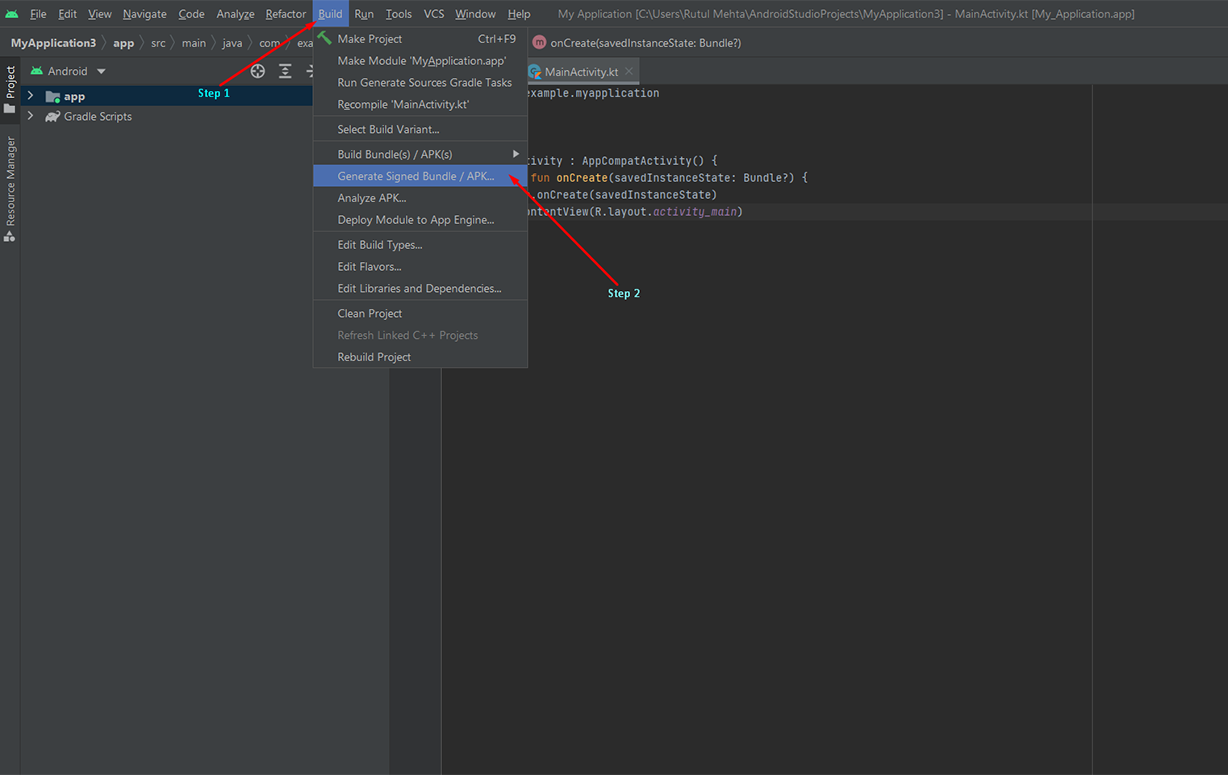
To Generate Release APK for your Android Project follow bellow steps